
Printer Toner Cartridges
Printer consumables are selected by the printer model and cartridge family, not by colour or shape alone.
Shop the collection
-
Toner Cartridge Premium Compatible Replacement with New Chip for TN-2450
Regular price $76.90 AUDRegular priceUnit price per$88.99 AUDSale price $76.90 AUDSale -
200XL Premium Compatible Colour Inkjet Set of 5 Boxed
Regular price $64.90 AUDRegular priceUnit price per$75.99 AUDSale price $64.90 AUDSale -
Premium Generic Yellow Toner Cartridge - Replacement for TN-257Y
Regular price $73.90 AUDRegular priceUnit price per$84.99 AUDSale price $73.90 AUDSale -
4 Pack Compatible Brother TN-251 Toner Combo [1BK,1C,1M,1Y]
Regular price $37.70 AUDRegular priceUnit price per$56.70 AUDSale price $37.70 AUDSale -
1 x Compatible Brother TN-2350 Toner Cartridge High Yield
Regular price $31.70 AUDRegular priceUnit price per$47.70 AUDSale price $31.70 AUDSale -
Lexmark B226000 Black Toner
Regular price $160.90 AUDRegular priceUnit price per$185.99 AUDSale price $160.90 AUDSale -
AUSTIC Premium Laser Toner Cartridge CE322A #128A Yellow
Regular price $37.90 AUDRegular priceUnit price per$53.99 AUDSale price $37.90 AUDSale -
AUSTIC Premium Laser Toner Cartridge C562 Black
Regular price $46.90 AUDRegular priceUnit price per$53.99 AUDSale price $46.90 AUDSale -
AUSTIC Premium Laser Toner Compatible Cartridge CT201634 Magenta CP305
Regular price $34.90 AUDRegular priceUnit price per$49.99 AUDSale price $34.90 AUDSale -
AUSTIC Premium Laser Toner Cartridge WBlack5144 Black for P6130
Regular price $57.90 AUDRegular priceUnit price per$83.99 AUDSale price $57.90 AUDSale -
AUSTIC Premium Laser Toner Cartridge CT202267 Yellow
Regular price $35.90 AUDRegular priceUnit price per$51.99 AUDSale price $35.90 AUDSale -
AUSTIC Premium Laser Toner Cartridge CT202265 Cyan
Regular price $35.90 AUDRegular priceUnit price per$51.99 AUDSale price $35.90 AUDSale -
AUSTIC Premium Laser Toner Cartridge CT202264 Black
Regular price $35.90 AUDRegular priceUnit price per$51.99 AUDSale price $35.90 AUDSale -
EPSON 702 Black Ink Cartridge
Regular price $67.90 AUDRegular priceUnit price per$77.99 AUDSale price $67.90 AUDSale -
EPSON 812 Black Ink Cartridge
Regular price $64.90 AUDRegular priceUnit price per$75.99 AUDSale price $64.90 AUDSale -
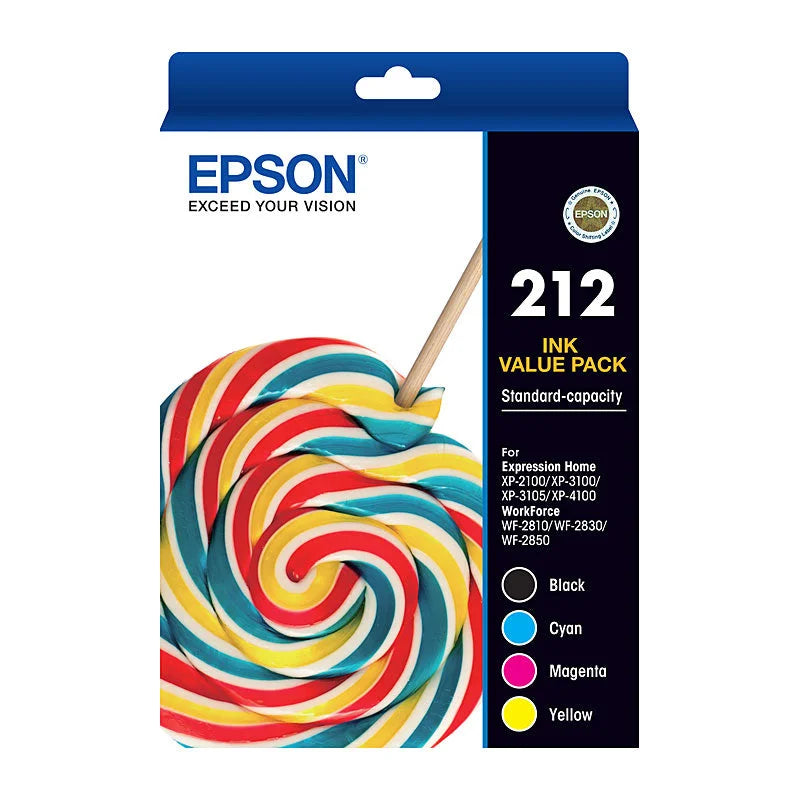
EPSON 212 4 Ink Value Pack
Regular price $120.90 AUDRegular priceUnit price per$139.99 AUDSale price $120.90 AUDSale -
EPSON 212XL Black Ink Cartridge
Regular price $88.90 AUDRegular priceUnit price per$102.99 AUDSale price $88.90 AUDSale -
Canon PG510 Black Ink Twin Pack
Regular price $102.90 AUDRegular priceUnit price per$118.99 AUDSale price $102.90 AUDSale -
Canon PGI655XXL Black Ink Cartridge
Regular price $67.90 AUDRegular priceUnit price per$77.99 AUDSale price $67.90 AUDSale -
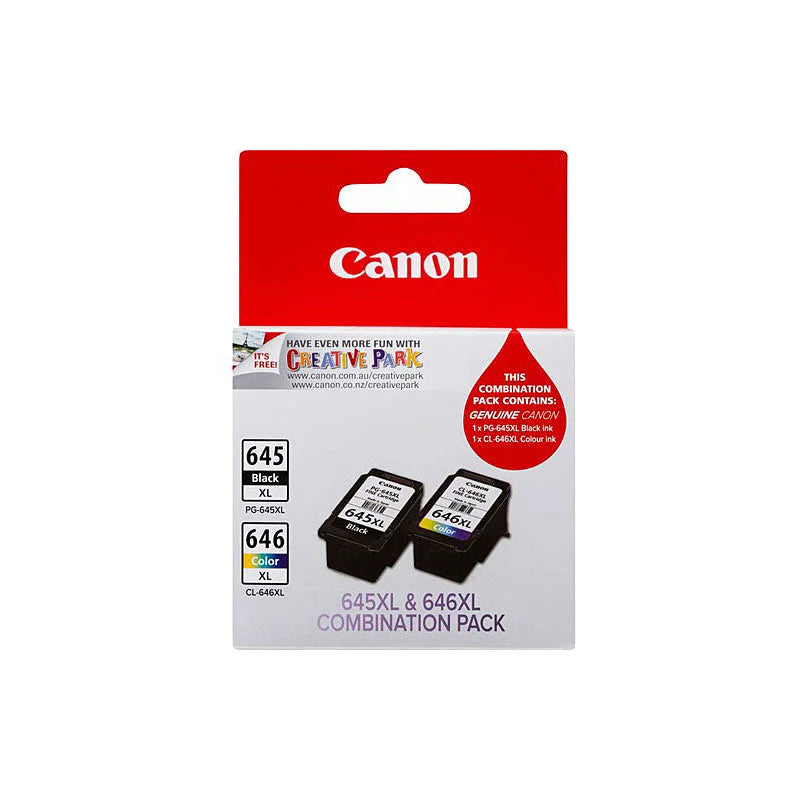
Canon PG645 CL646 XL Ink Cartridge Twin Pack
Regular price $105.90 AUDRegular priceUnit price per$122.99 AUDSale price $105.90 AUDSale -
Cyan Ink Cartridge BROTHER LC-3317
Regular price $69.90 AUDRegular priceUnit price per$80.99 AUDSale price $69.90 AUDSale -
Mono Laser Toner Brother TN-1070 - 1,000 Page Yield - To Suit HL-1110, DCP-1510, MFC-1810
Regular price $134.90 AUDRegular priceUnit price per$156.99 AUDSale price $134.90 AUDSale -
Laser Toner Cartridge AUSTIC Premium Compatible for Brother TN-2450
Regular price $40.90 AUDRegular priceUnit price per$58.99 AUDSale price $40.90 AUDSale -
Toner Cartridge Premium Generic TN-2350
Regular price $61.90 AUDRegular priceUnit price per$71.99 AUDSale price $61.90 AUDSale






Related reading

Printer consumables are selected by the printer model and cartridge family, not by colour or shape alone. Ink and toner are different technologies, and a pack can contain a single colour or a complete colour set. Identify the exact replacement code first, then compare yield and pack contents.
Use the cartridge family as the starting point
Similar model numbers can identify different cartridges. Match the full printer model with the supported-printer list and the replacement code on the existing consumable. The TN-251 colour combo and TN-2350 black toner belong to different families and are not interchangeable.
Compare packs by the colours supplied
A four-colour bundle can contain black, cyan, magenta and yellow, while a single yellow cartridge replaces only one component. Buying a set is useful when several colours need replacement, but may leave unused stock if your work is mainly monochrome. Check quantities for each colour.
Treat page yield as a comparison measure
A quoted yield is based on defined printing conditions, not a promise for every document. Dense graphics and photographs use consumables differently from lightly covered text pages. Distinguish genuine and compatible products clearly, and compare the manufacturer's supported models rather than assuming one cartridge fits an entire brand.
Further reading: Brother: toner yield and printed coverage
Useful answers
Printer Toner Cartridges: practical questions
How do I find the correct toner cartridge for my printer?
Record the printer’s full model and the cartridge reference already specified for it. Then match both against the replacement’s supported-model list. Brand and colour are not enough: similar toner family numbers can refer to different cartridges even when the packaging looks alike.
Is a four-colour toner pack better than individual cartridges?
A pack can be convenient when all its colours are needed, but it may leave spare cartridges if most printing is black text. Compare the quantity of black, cyan, magenta and yellow separately. Confirm that every cartridge in the pack belongs to the printer’s supported family.
Why might I print fewer pages than a toner’s quoted yield?
Yield is measured under specified test conditions. Documents with larger filled areas or dense graphics use toner differently from sparse text. Treat the declared yield as a comparison figure between suitable cartridges, then consider your own print mix rather than expecting an identical page count.