
Build a room that works, connects and creates
Electronics & Office
A useful home workspace is a system: the chair fits the desk, the screen sits where you can see it, and the connections support the equipment you actually use. Beyond work, explore sound, photography, music and creative supplies through dedicated departments, each with its own practical buying advice.


Find your next setup
Start with the task: working comfortably, connecting devices, printing, listening, recording or making something.


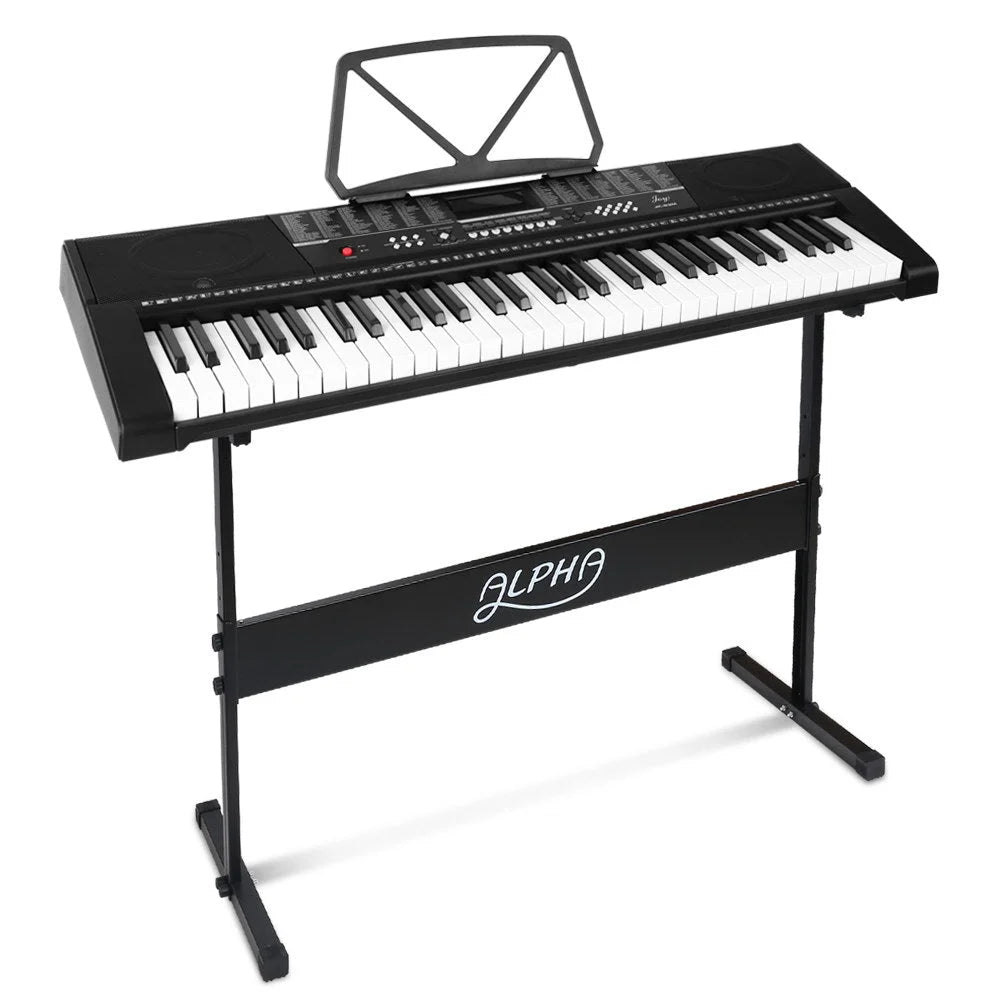
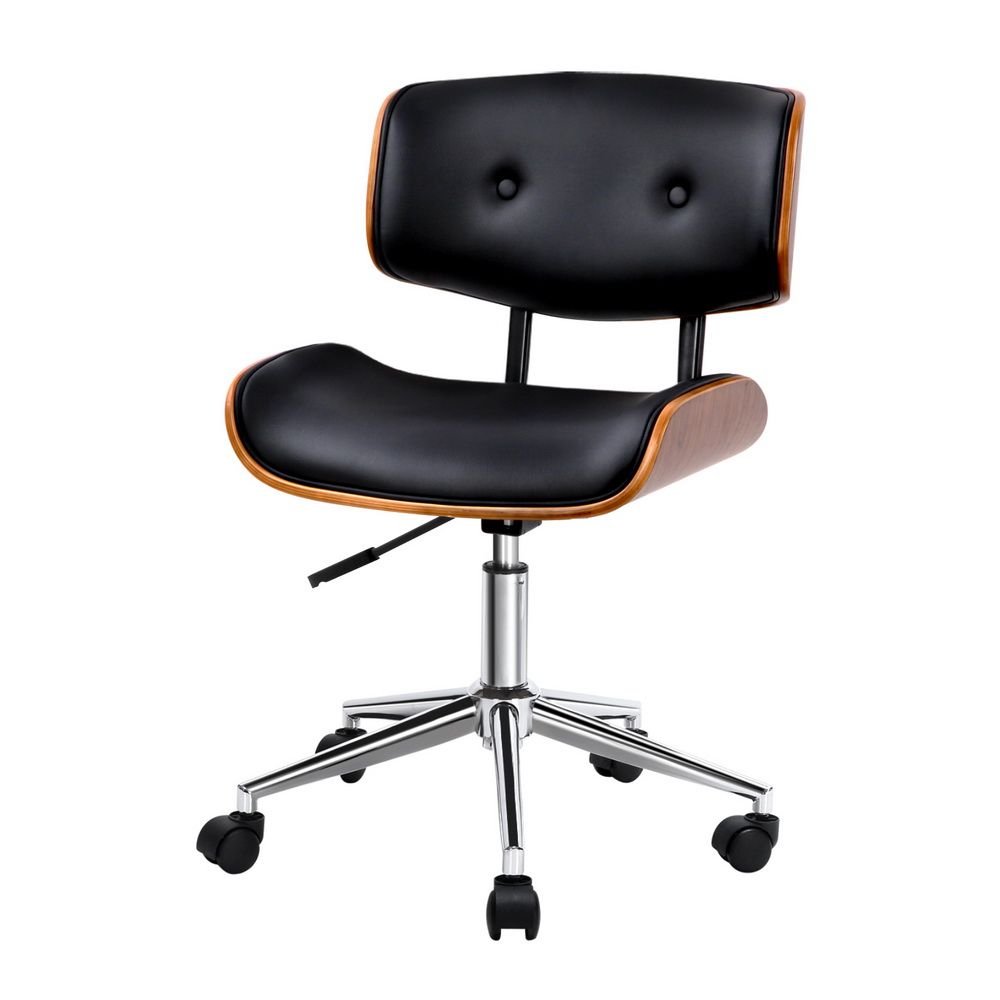


Plan the workspace before the accessories
A monitor arm can release desk space, but its base still needs a suitable fixing area. A storage cabinet can clear the desktop, but its doors must open without trapping the chair. Start with a simple room layout and the items you use together, rather than filling every spare surface.
Separate a device from its supporting parts
A tablet stand is not a tablet, a cartridge is not a printer and a tracker holder does not supply tracking. Use the specialist categories to identify the main device, consumables and accessories separately. This is especially useful when a product photograph shows a complete setup for illustration.
Make connections part of the plan
Write down the equipment model, ports and intended connection before choosing cables or chargers. The same connector shape can support different functions. For hobbies, think about the whole session too: instrument support, seating and storage affect whether the space is easy to use again tomorrow.
Shop the collection
-
Electronic Piano Keyboard 61 Keys, LED Display, USB Port with Stand
Regular price $127.90 AUDRegular priceUnit price per$216.99 AUDSale price $127.90 AUDSale -
Office Desk Chair Wooden & PU Leather - Black
Regular price $111.90 AUDRegular priceUnit price per$199.99 AUDSale price $111.90 AUDSale -
TV Cabinet Entertainment Unit Stand with Storage Drawer Scandinavian - 180cm Oak
Regular price $106.90 AUDRegular priceUnit price per$199.99 AUDSale price $106.90 AUDSale -
Electronic Piano Keyboard 61-Key Lighted with LED Holder Music Stand
Regular price $115.90 AUDRegular priceUnit price per$166.99 AUDSale price $115.90 AUDSale -
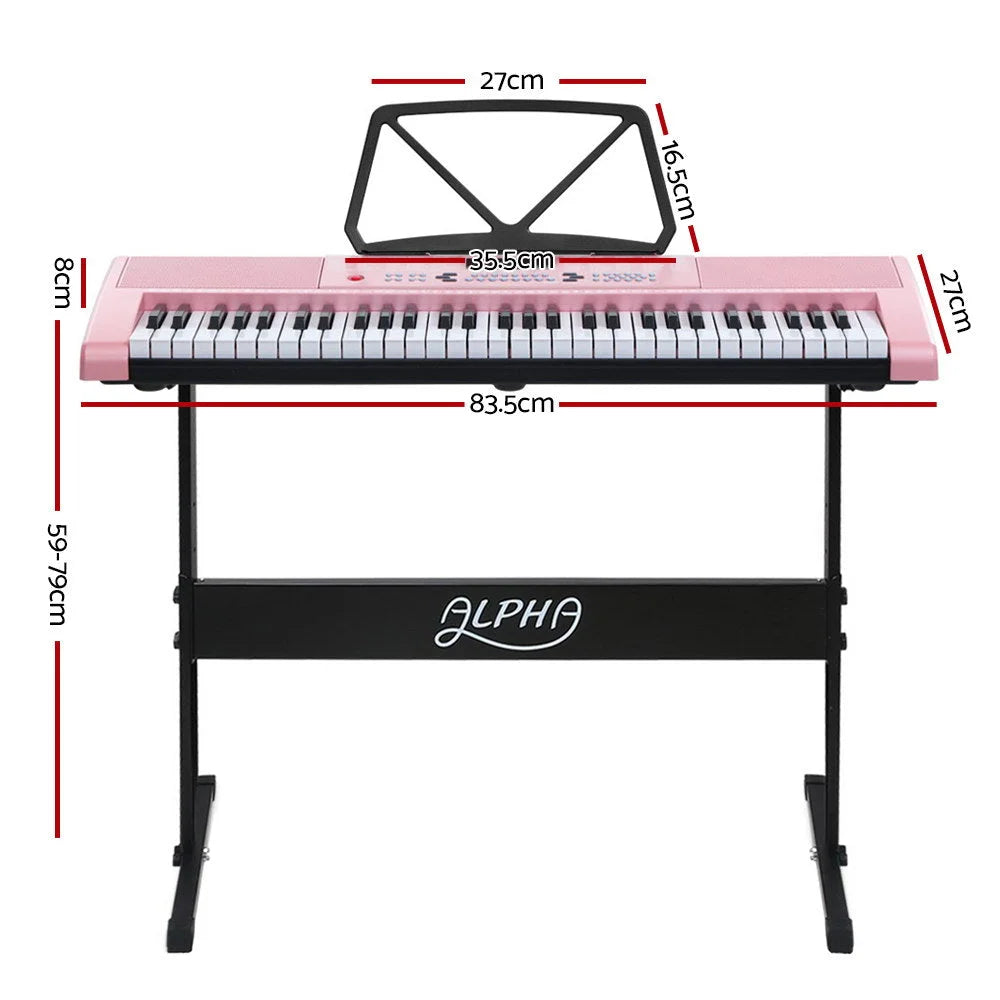
Alpha 61‑Key LED Electronic Piano Keyboard
Regular price $98.90 AUDRegular priceUnit price per$166.99 AUDSale price $98.90 AUDSale -
TV Stand Entertainment Unit Cabinet Storage Drawer Shelf 180CM - Wooden
Regular price $131.90 AUDRegular priceUnit price per$266.99 AUDSale price $131.90 AUDSale -
Electronic Safe Digital Security Box 50cm
Regular price $133.90 AUDRegular priceUnit price per$209.99 AUDSale price $133.90 AUDSale -
Electronic Piano Keyboard 88 Keys Digital with Stand Semi Weighted
Regular price $305.90 AUDRegular priceUnit price per$532.99 AUDSale price $305.90 AUDSale -
Monitor Arm Stand Dual - Black
Regular price $34.90 AUDRegular priceUnit price per$48.99 AUDSale price $34.90 AUDSale -
Electronic Piano Keyboard 88 Keys Foldable Digital with Carry Bag
Regular price $154.90 AUDRegular priceUnit price per$249.99 AUDSale price $154.90 AUDSale -
TV Stand 189cm RGB LED Cabinet Entertainment Unit Gloss Furniture Drawers Tempered Glass Shelf - Black
Regular price $167.90 AUDRegular priceUnit price per$256.99 AUDSale price $167.90 AUDSale -
TV Stand Entertainment Unit Storage Cabinet Drawers Shelf 120cm - White
Regular price $83.90 AUDRegular priceUnit price per$142.99 AUDSale price $83.90 AUDSale -
TV Wall Mount Bracket Tilt Flat Slim LED LCD Plasma - 42-90 Inch
Regular price $32.90 AUDRegular priceUnit price per$54.99 AUDSale price $32.90 AUDSale -
Office Chair Veer Drafting Stool Mesh Chairs Flip Up Armrest Black
Regular price $99.90 AUDRegular priceUnit price per$182.99 AUDSale price $99.90 AUDSale -
Electronic Piano Keyboard 61-Key Lighted, LCD Display with Music Stand
Regular price $113.90 AUDRegular priceUnit price per$242.99 AUDSale price $113.90 AUDSale -
Metal Desk Minimalist, White
Regular price $64.90 AUDRegular priceUnit price per$132.99 AUDSale price $64.90 AUDSale -
Computer Desk Home Office Study Writing Workstation Gaming
Regular price $135.90 AUDRegular priceUnit price per -
UL-Tech 3MP Wireless IP Camera Outdoor Home WiFi Security CCTV System
Regular price $46.90 AUDRegular priceUnit price per$142.99 AUDSale price $46.90 AUDSale -
Laser Mini Karaoke Speaker with 2 Wireless Mics - Pink
Regular price $13.90 AUDRegular priceUnit price per$19.95 AUDSale price $13.90 AUDSale -
Laser Foxtel iQ Replacement Remote Control
Regular price $10.90 AUDRegular priceUnit price per$19.95 AUDSale price $10.90 AUDSale -
Artiss Computer Desk Home Office Study Desks L-shaped Corner Table with Storage
Regular price $229.90 AUDRegular priceUnit price per$544.99 AUDSale price $229.90 AUDSale -
Electronic Piano Keyboard 61 Keys Digital with Stand, Stool - Black
Regular price $128.90 AUDRegular priceUnit price per$216.99 AUDSale price $128.90 AUDSale -
Alpha 88 Keys Digital Piano Keyboard with Stand, Stool, Semi-Weighted Keys
Regular price $329.90 AUDRegular priceUnit price per$566.99 AUDSale price $329.90 AUDSale -
Mesh Office Chair Computer Gaming Desk Chair Work Study Mid Back - Grey
Regular price $61.90 AUDRegular priceUnit price per$116.99 AUDSale price $61.90 AUDSale




Related reading


Useful answers
Electronics & Office: practical questions
Where should I start when setting up a home workspace?
Start with the desk, chair and equipment you use together, then reserve room for movement and storage. After that, choose screen supports, connections and small accessories. This order makes it easier to spot a cabinet door that blocks the chair or a monitor base that crowds the keyboard.
How do I choose between the electronics and office departments?
Use Office Furniture for the physical workspace, Computer Accessories for supports and connections, and Phone Accessories for device-specific fit. Cameras, entertainment and music have separate setup needs. Choosing the task first is more useful than treating every electrical accessory as interchangeable.
Does a product shown with a device include that device?
Illustrations often show an accessory in use. A monitor arm, tablet holder or tracker case does not establish that the screen, tablet or tag is supplied. Use the itemised contents to identify the main device, support hardware and any separate consumables before assembling the complete setup.