
Digital Pianos & Electronic Keyboards
Key count, key action and touch sensitivity describe different parts of a keyboard.
Shop the collection
-
Electronic Piano Keyboard 61 Keys, LED Display, USB Port with Stand
Regular price $127.90 AUDRegular priceUnit price per$216.99 AUDSale price $127.90 AUDSale -
Electronic Piano Keyboard 61-Key Lighted with LED Holder Music Stand
Regular price $115.90 AUDRegular priceUnit price per$166.99 AUDSale price $115.90 AUDSale -
Alpha 61‑Key LED Electronic Piano Keyboard
Regular price $98.90 AUDRegular priceUnit price per$166.99 AUDSale price $98.90 AUDSale -
Electronic Piano Keyboard 88 Keys Digital with Stand Semi Weighted
Regular price $305.90 AUDRegular priceUnit price per$532.99 AUDSale price $305.90 AUDSale -
Electronic Piano Keyboard 88 Keys Foldable Digital with Carry Bag
Regular price $154.90 AUDRegular priceUnit price per$249.99 AUDSale price $154.90 AUDSale -
Electronic Piano Keyboard 61-Key Lighted, LCD Display with Music Stand
Regular price $113.90 AUDRegular priceUnit price per$242.99 AUDSale price $113.90 AUDSale -
Electronic Piano Keyboard 61 Keys Digital with Stand, Stool - Black
Regular price $128.90 AUDRegular priceUnit price per$216.99 AUDSale price $128.90 AUDSale -
Alpha 88 Keys Digital Piano Keyboard with Stand, Stool, Semi-Weighted Keys
Regular price $329.90 AUDRegular priceUnit price per$566.99 AUDSale price $329.90 AUDSale -
Electronic Piano Keyboard 61 Keys LED Silver with Music Stand for Beginners
Regular price $98.90 AUDRegular priceUnit price per$166.99 AUDSale price $98.90 AUDSale -
17-Key Beginner Thumb Piano Portable Instrument for Music Learning and Practice
Regular price $36.90 AUDRegular priceUnit price per$43.69 AUDSale price $36.90 AUDSale -
Folding Digital Piano 88 Key Velocity-Sensitive + Carry Case Pedal
Regular price $276.90 AUDRegular priceUnit price per -
Z-style Keyboard Stand Heavy-Duty Piano Stand Portable
Regular price $104.90 AUDRegular priceUnit price per -
Piano Bench, 22" x 13.78" x 19", Keyboard Piano Chair with High-Density Padded Cushion, Storage Compartment for Music Books, Wooden Piano Bookcase Stool Seat, for Vanity, Living Room, Bedroom
Regular price $76.90 AUDRegular priceUnit price per$70.90 AUDSale price $76.90 AUD -
Piano Bench, Duet Keyboard Piano Chair with 20.3"-23.4” Adjustable Height, High-Density Padded Cushion, Storage Compartment for Music Books, Wooden Piano Stool Seat, for Vanity, Living Room
Regular price $169.90 AUDRegular priceUnit price per$156.90 AUDSale price $169.90 AUD -
3pcs Metal Piano Sheet Music Reading Accessories Piano Book Page Holder Music Stand Clips Metal Music Bookmark Folding
Regular price $26.90 AUDRegular priceUnit price per$28.21 AUDSale price $26.90 AUDSale -
metronome - Classic Mechanical Wind-Up Design with Bell for Piano, Guitar, Violin & All Instruments (Black)
Regular price $53.90 AUDRegular priceUnit price per$55.01 AUDSale price $53.90 AUDSale -
Portable Mini Mechanical Metronome – Battery-Free Instrument Beat Keeper, Universal Rhythm Training Aid for Piano, Guitar, Ukulele, and Wind Instruments(BLACK)
Regular price $33.90 AUDRegular priceUnit price per$38.00 AUDSale price $33.90 AUDSale -
Clear Piano Sheet Music Holder Clips, 1 Pair Strong Secure Support for Music Practice and Performance
Regular price $29.90 AUDRegular priceUnit price per -
Black & Color Combo 2pcs 88 Key Piano Staff Note Strips
Regular price $28.90 AUDRegular priceUnit price per$31.89 AUDSale price $28.90 AUDSale -
Upright Piano Cover-Black Piano Cover-Pet Paw Protector-Waterproof, Dustproof, Sunproof-Reusable Washable Piano Full Cover(420D:153*60*110cm black)
Regular price $42.90 AUDRegular priceUnit price per$45.41 AUDSale price $42.90 AUDSale -
Portable Mini Mechanical Metronome – Battery-Free Instrument Beat Keeper, Universal Rhythm Training Aid for Piano, Guitar, Ukulele, and Wind Instruments(BLUE)
Regular price $33.90 AUDRegular priceUnit price per$38.00 AUDSale price $33.90 AUDSale -
Portable Mini Mechanical Metronome – Battery-Free Instrument Beat Keeper, Universal Rhythm Training Aid for Piano, Guitar, Ukulele, and Wind Instruments(pink)
Regular price $33.90 AUDRegular priceUnit price per$38.00 AUDSale price $33.90 AUDSale -
Digital Metronome, Professional Clip on Digital Tempo Metronome, LCD Electronic Mini Digital Metronome, Mini Pocket Metronome for Guitar Piano Drum and All Instruments
Regular price $24.90 AUDRegular priceUnit price per -
Music Stand Knob Tightening Screw Bolt Adjustable 0.6cm Thread Screw Piano Book Holder Knob Music Stand Handle for Musician Players
Regular price $31.90 AUDRegular priceUnit price per
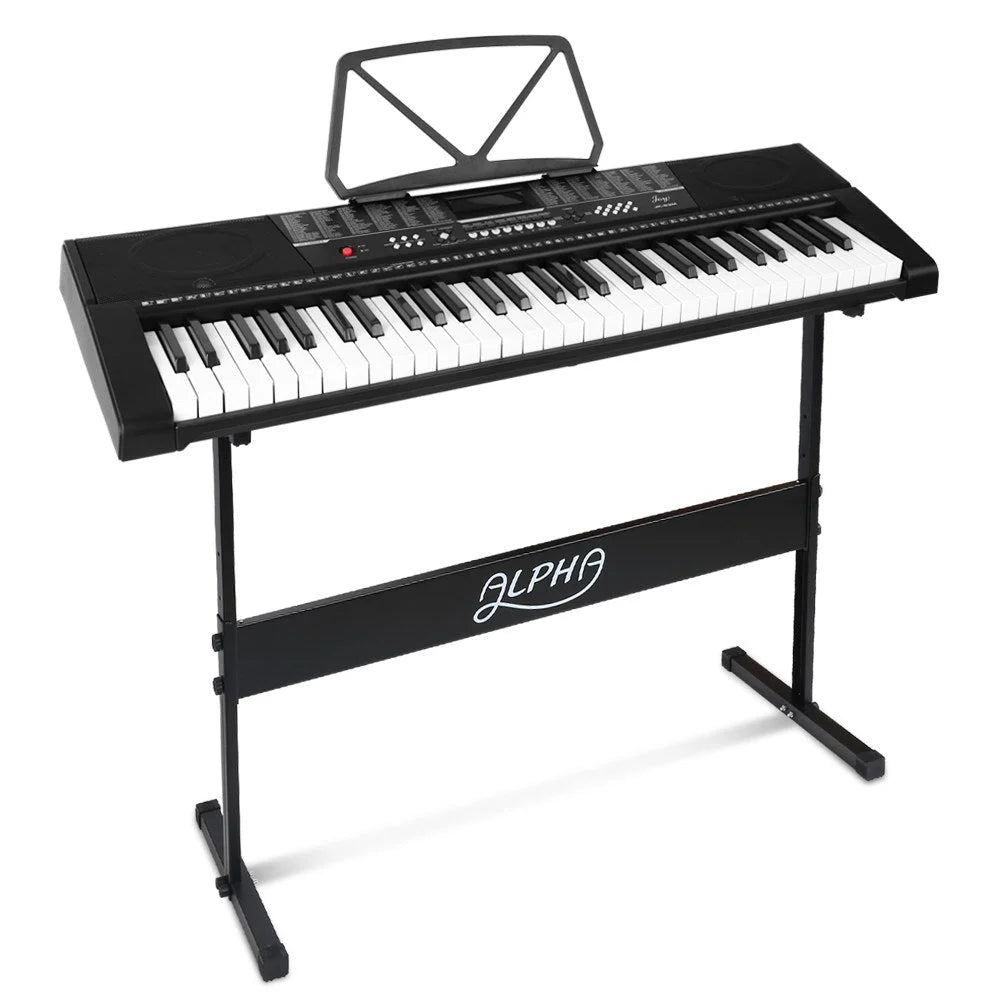


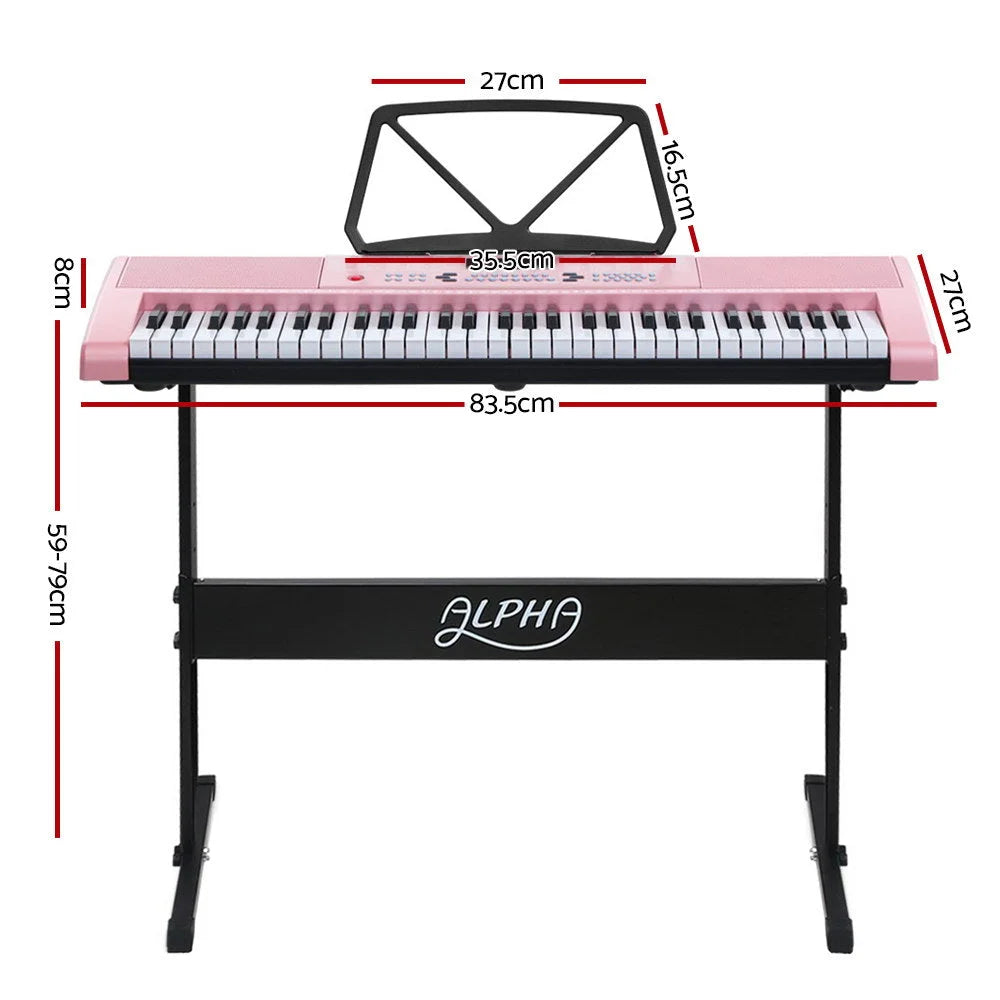


Key count, key action and touch sensitivity describe different parts of a keyboard. A portable 61-key instrument can suit compact practice and exploring sounds, while an 88-key format gives a wider playing range. Decide what you want to learn before comparing built-in rhythms, lights and other features.
Separate the number of keys from their action
An 88-key keyboard is not automatically fully weighted. Semi-weighted and hammer-action mechanisms feel different, while touch sensitivity concerns how the sound responds to playing strength. The 88-key Alpha model with a stand is described as semi-weighted; use the detailed specification rather than assuming piano-like action from the key count.
Check connections for practice and recording
A headphone connection supports private listening when the instrument provides it. USB-MIDI sends playing information to compatible equipment; it should not be assumed to behave like an ordinary audio output. Decide whether you want to practise, record sound or control software, then match the required connection.
Include the support and accessories
A keyboard stand, music rest and pedal can change the usefulness of a package. Check each item in the package list, especially when descriptions use different pedal names. A foldable keyboard saves storage space, but still needs a stable playing surface and an appropriate seating position.
Further reading: Yamaha: weighted keyboard actions
Further reading: Yamaha: recording keyboard performance as MIDI data · Yamaha: recording keyboard performance as audio data
Useful answers
Digital Pianos & Electronic Keyboards: practical questions
Does an 88-key keyboard always have weighted keys?
No. Key count describes the playing range; weighted, semi-weighted and hammer-action describe aspects of the mechanism. Touch sensitivity is another feature. If piano technique is your goal, ask your teacher which action suits the lessons, then compare that requirement with the model’s detailed specification.
Can I record sound through a USB-MIDI socket?
USB-MIDI carries playing instructions to compatible software; it does not by itself establish an audio recording connection. To capture the keyboard’s own sound, look for an explicitly supported audio output or USB audio function and the required recording equipment. Treat MIDI and audio as separate checks.
What should a beginner’s keyboard package include?
Plan a stable stand or surface, an appropriate seat, power and any pedal required for the lessons. Headphones need a compatible output. Package descriptions can disagree over pedals or microphones, so resolve those specific items before relying on a photograph of a complete setup.