
Give screens, controls and cables their own space
Gaming Desks
A gaming desk has to accommodate more than a screen. Mouse movement, monitor supports, speakers and the computer tower all affect the usable layout. Lighting and accessory hooks can be convenient, but the first decision is whether the desk leaves enough clear space for the way you play.

Shop the collection
-
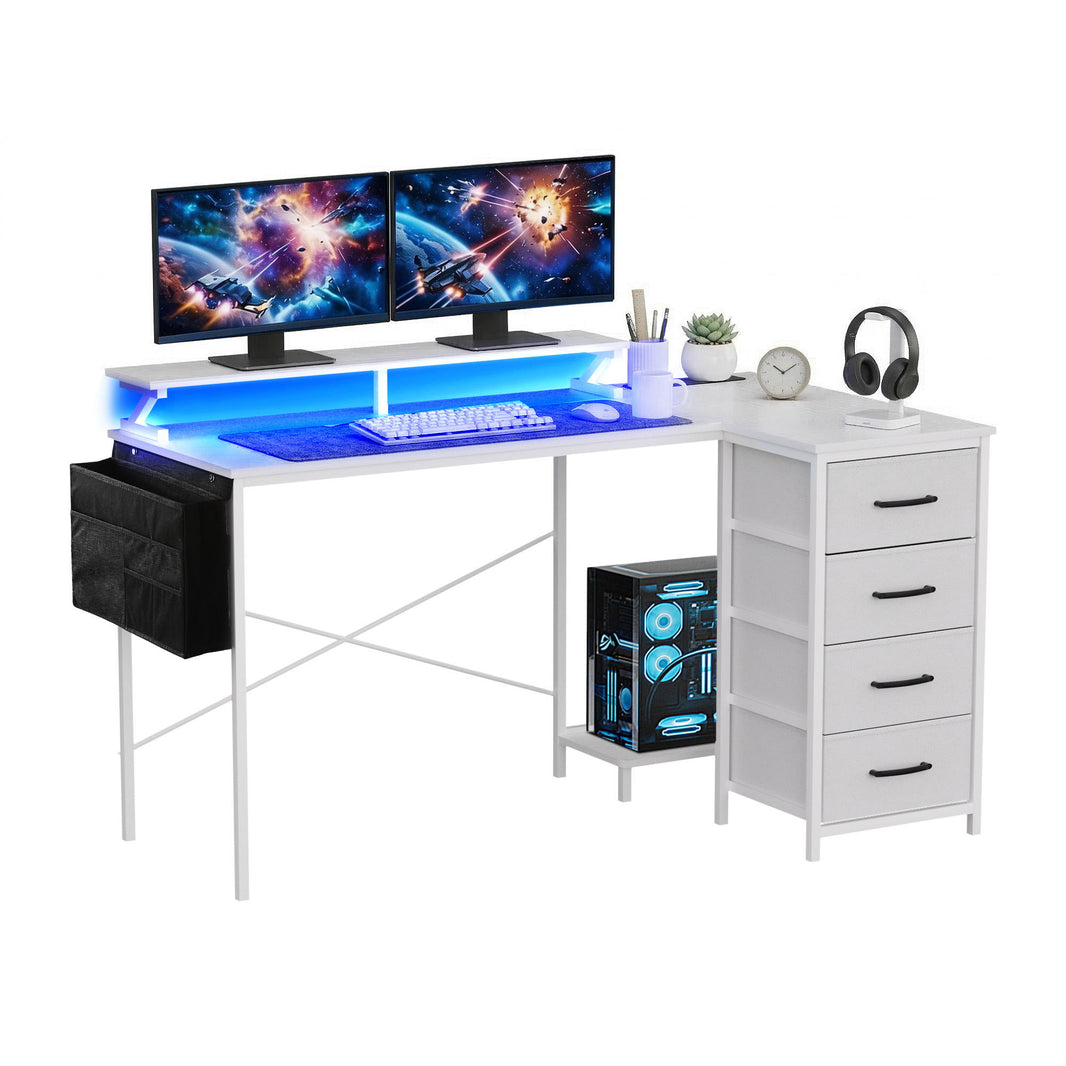
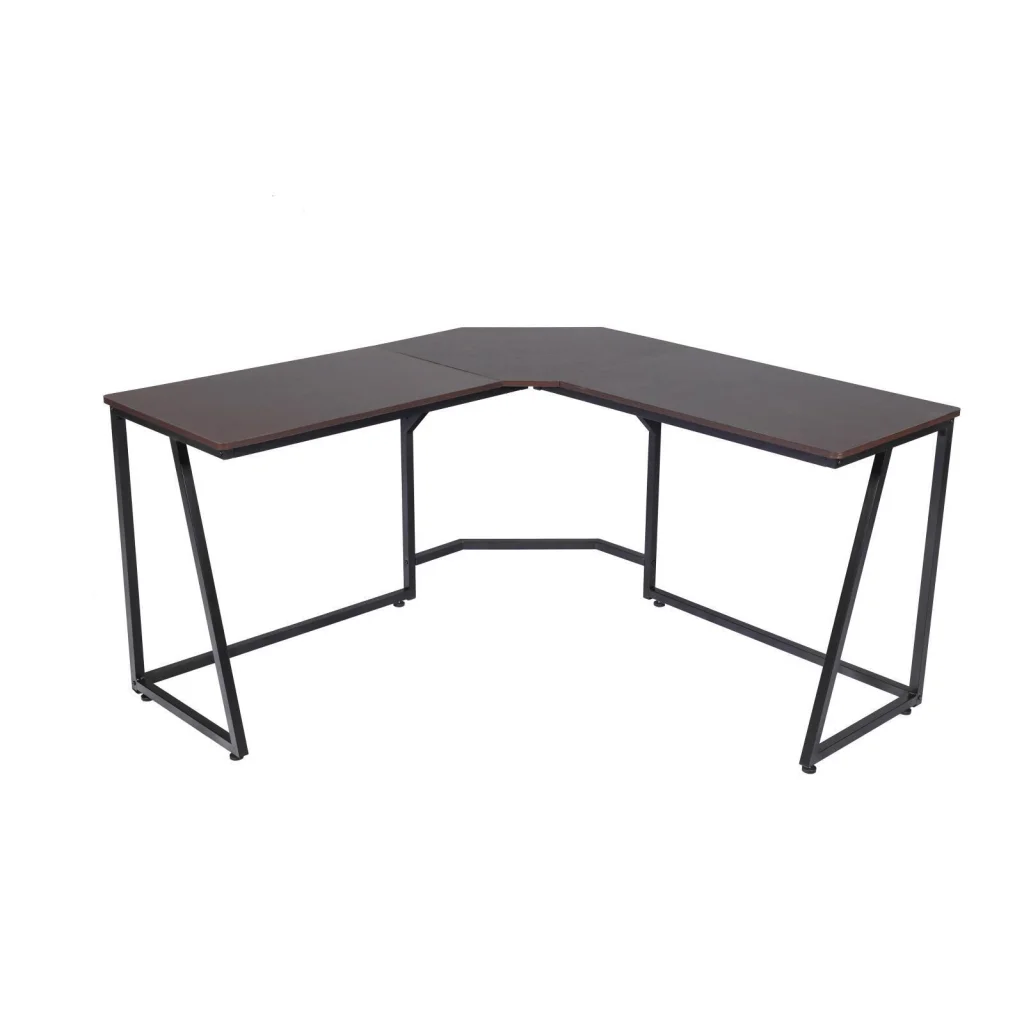
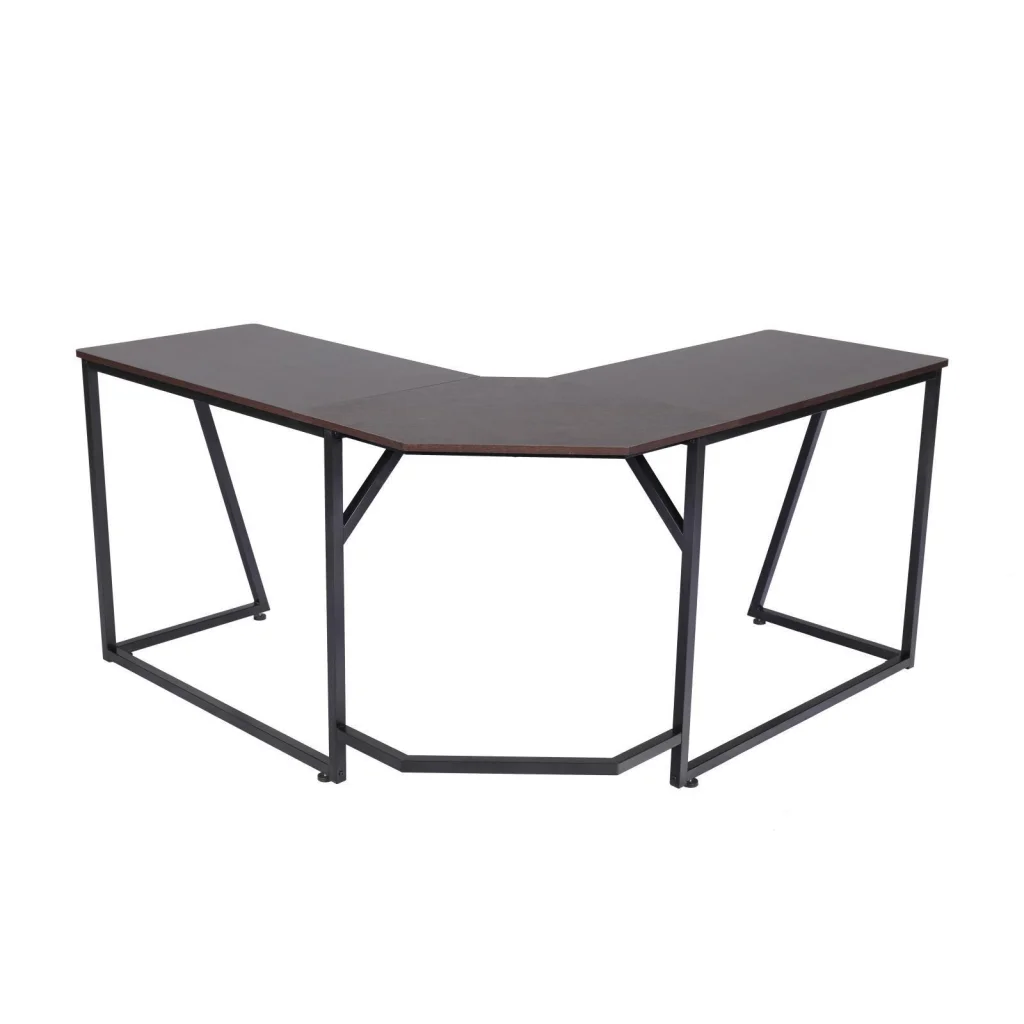
L Shaped Computer Desk Round Corner Gaming Desk PC Laptop Workstation Reversible Wood Table With Screen Stand and Foot Fest Bar Home Office Black
Regular price $125.90 AUDRegular priceUnit price per$139.00 AUDSale price $125.90 AUDSale -
Artiss Electric Standing Desk Height Adjustable Gaming Desk Home Office 140cm
Regular price $345.90 AUDRegular priceUnit price per$449.99 AUDSale price $345.90 AUDSale -
Artiss Electric Standing Desk Height Adjustable Gaming Desk Home Office 140cm
Regular price $255.90 AUDRegular priceUnit price per$449.99 AUDSale price $255.90 AUDSale -
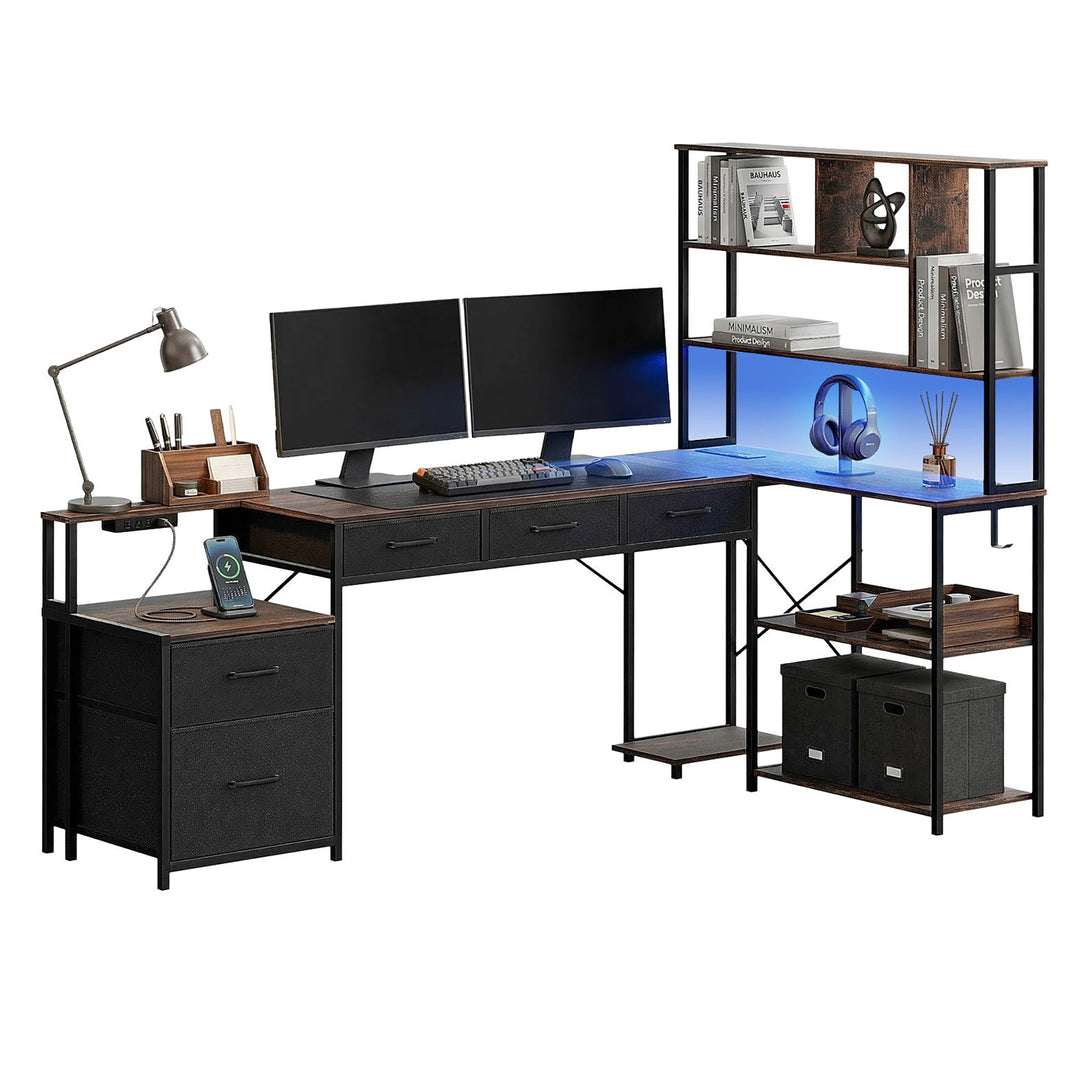
Artiss 200cm L Shaped Gaming Desk Computer Desk with LED Lights & Power Outlets
Regular price $253.90 AUDRegular priceUnit price per$332.99 AUDSale price $253.90 AUDSale -
Artiss 145cm L Shaped Gaming Desk Computer Desk with LED Lights & Power Outlets
Regular price $171.90 AUDRegular priceUnit price per$249.99 AUDSale price $171.90 AUDSale -
Artiss 140cm L Shaped Gaming Desk Computer Desk with LED Lights & Power Outlets
Regular price $162.90 AUDRegular priceUnit price per$216.99 AUDSale price $162.90 AUDSale -
Artiss 200cm L Shaped Gaming Desk Computer Desk with LED Lights & Power Outlets
Regular price $262.90 AUDRegular priceUnit price per$332.99 AUDSale price $262.90 AUDSale -
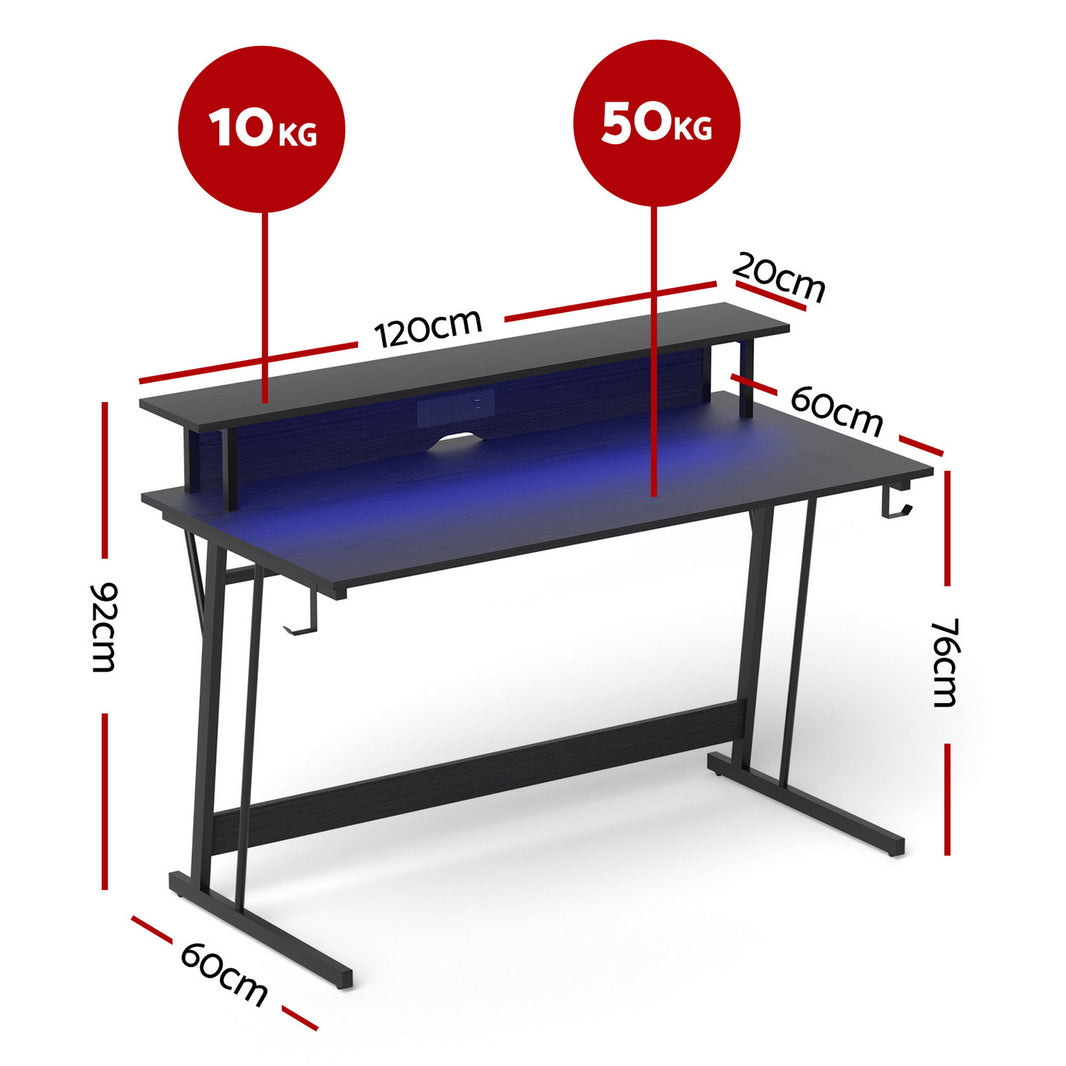
Artiss Gaming Desk with LED Lights Computer Desk Table with Monitor Shelf Power 120cm
Regular price $141.90 AUDRegular priceUnit price per$166.99 AUDSale price $141.90 AUDSale -
Levede Gaming Table Spacious Wear Resistan Stable Computer Desk Earphone Hook
Regular price $211.70 AUDRegular priceUnit price per$316.70 AUDSale price $211.70 AUDSale -
Levede Gaming Desk Computer Table Monitor Shelf 140cm
Regular price $348.70 AUDRegular priceUnit price per$523.70 AUDSale price $348.70 AUDSale -
Levede L-shaped Gaming Computer Desk Corner Table Home
Regular price $223.70 AUDRegular priceUnit price per$334.70 AUDSale price $223.70 AUDSale -
Levede Gaming Desk Table Desktop PC
Regular price $317.70 AUDRegular priceUnit price per$476.70 AUDSale price $317.70 AUDSale -
Levede L Shaped Gaming Desk with LED Lights Black
Regular price $346.70 AUDRegular priceUnit price per$520.70 AUDSale price $346.70 AUDSale -
Levede Office Gaming Computer Desk Brown
Regular price $299.70 AUDRegular priceUnit price per$449.70 AUDSale price $299.70 AUDSale -
Levede Office Gaming Computer Desk Black
Regular price $297.70 AUDRegular priceUnit price per$445.70 AUDSale price $297.70 AUDSale -
Levede L Shaped Gaming Desk with LED Lights Brown
Regular price $317.70 AUDRegular priceUnit price per$476.70 AUDSale price $317.70 AUDSale -
Corner Computer Desk Sturdy Home Office Gaming Desk for Laptop Writing Table Multipurpose Workstation
Regular price $140.90 AUDRegular priceUnit price per$240.00 AUDSale price $140.90 AUDSale -
Computer Desk Sturdy Home Office Gaming Desk for Laptop Meeting Writing Table Multipurpose Workstation
Regular price $216.90 AUDRegular priceUnit price per$300.00 AUDSale price $216.90 AUDSale -
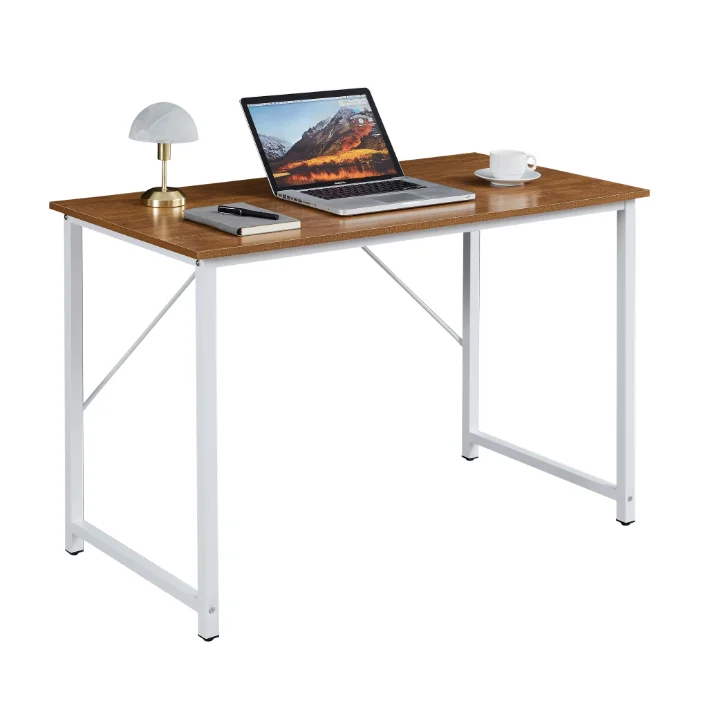
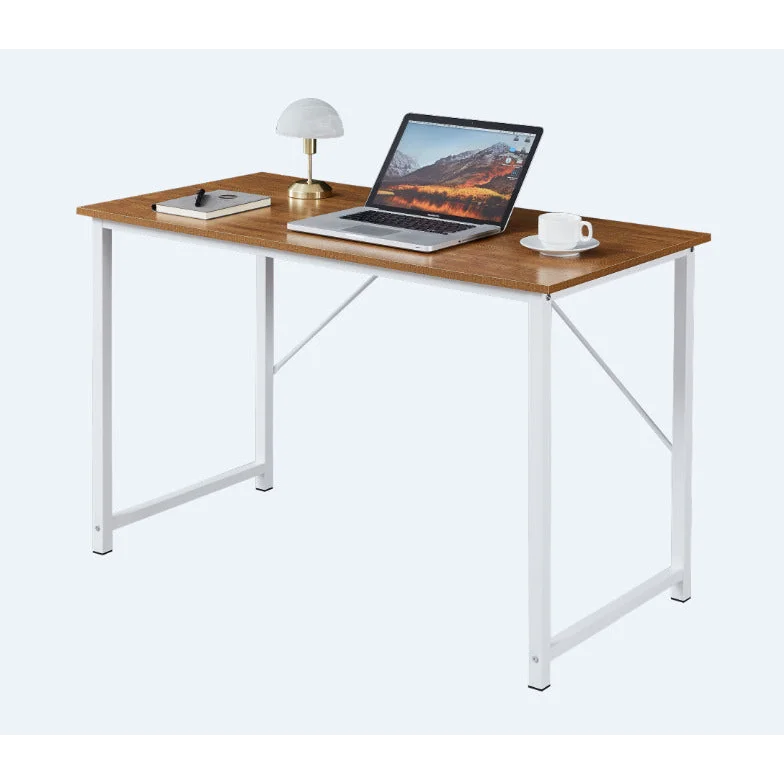
Computer Desk Sturdy Home Office Gaming Desk for Laptop Modern Simple Style Multipurpose Workstation
Regular price $128.90 AUDRegular priceUnit price per$240.00 AUDSale price $128.90 AUDSale -
Computer Desk Sturdy Home Office Gaming Desk for Laptop Modern Simple Style Writing Table Multipurpose Workstation
Regular price $128.90 AUDRegular priceUnit price per$240.00 AUDSale price $128.90 AUDSale -
Computer Desk Sturdy Home Office Gaming Desk for Laptop - Modern Simple Style Writing Table Multipurpose Workstation
Regular price $128.90 AUDRegular priceUnit price per$240.00 AUDSale price $128.90 AUDSale -
Computer Desk Sturdy Home Office Gaming Desk for Laptop - Modern Simple Style Writing Table Multipurpose Workstation
Regular price $128.90 AUDRegular priceUnit price per$240.00 AUDSale price $128.90 AUDSale -
Gaming Desk 140cm RGB Desktop PC Computer Racing Table Office Laptop Home AU
Regular price $186.90 AUDRegular priceUnit price per$179.00 AUDSale price $186.90 AUD -
Gaming Standing Desk Home Office Lift Adjustable Sit-to-Stand Motorized - 1460
Regular price $373.90 AUDRegular priceUnit price per$523.50 AUDSale price $373.90 AUDSale










Related reading

Reserve the mouse area before adding accessories
A full-size keyboard, broad mouse pad and monitor feet can fill a small top quickly. Decide where the mouse sweep will be, then place speakers and controller stands outside it. A raised monitor shelf can free space underneath, but its depth and height also affect the screen position.
Plan for an L-shape or a lifting frame
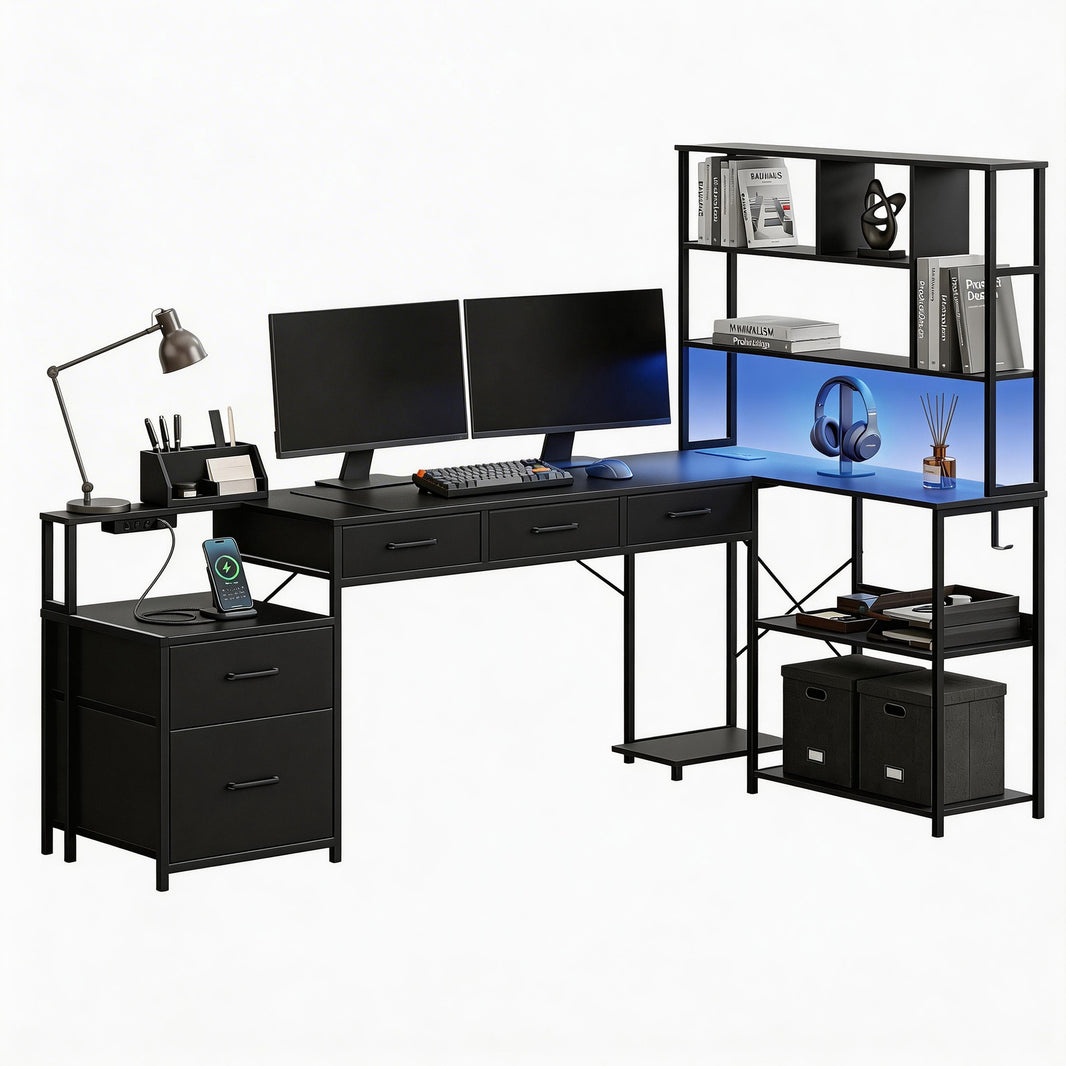
An L-shaped desk can divide gaming and study areas, provided the return does not block the chair. A motorised model changes the cable route every time it moves. Leave room for the mechanism and hanging cables, and compare the stated load for the complete installed setup.
Treat lighting and power as separate features
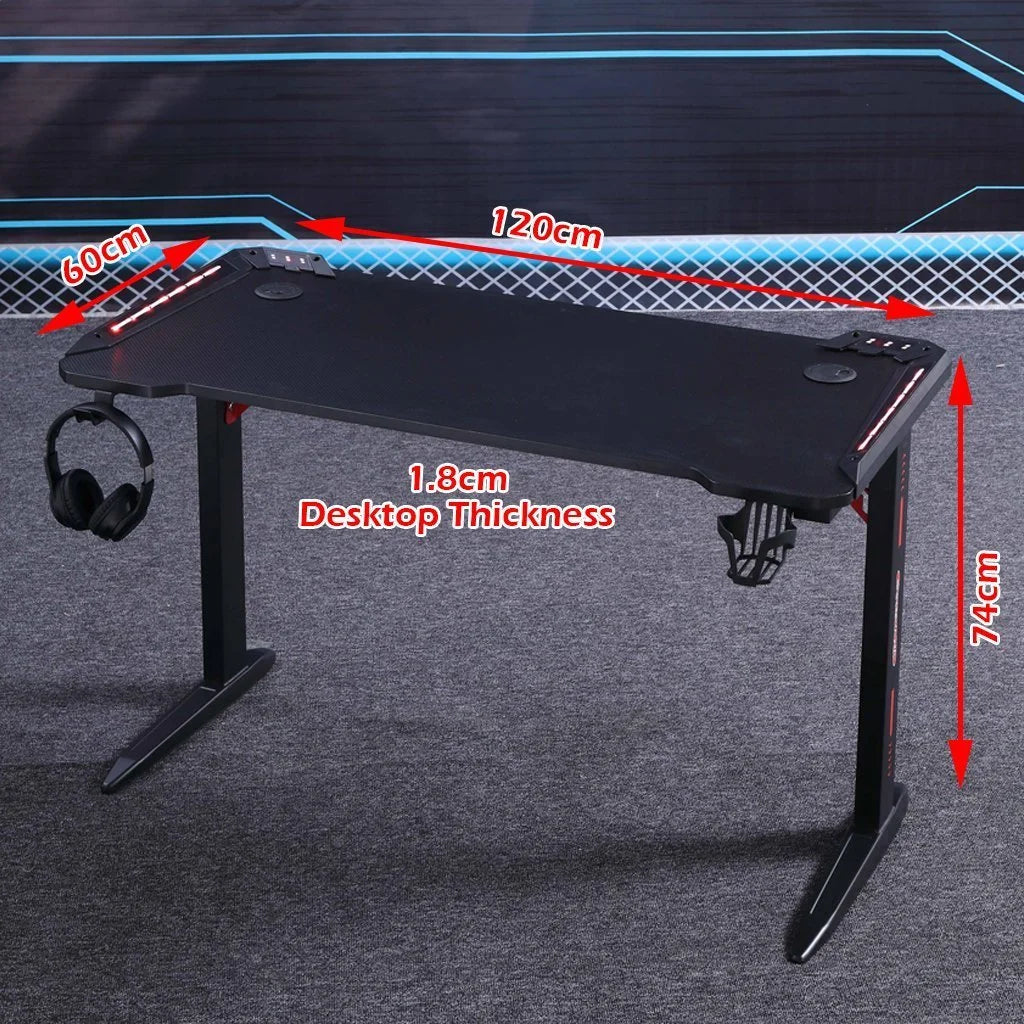
RGB lighting changes the appearance of the station; it does not tell you how much equipment a power outlet supports. A headphone hook and cup holder may project beyond the top, increasing the effective footprint. Include these accessories when checking the desk beside a doorway or narrow passage.
Useful answers
Gaming Desks: practical questions
How much clear mouse space should a gaming desk leave?
Lay out your keyboard, mouse mat and typical mouse movement before placing speakers or controller stands. Monitor feet can use more depth than expected. Choose a top that keeps this working area clear; the total tabletop width includes space that accessories may already occupy.
Will a monitor shelf make a gaming desk more usable?
It may create storage below the screen, but its height, depth and load limit still need to suit the monitor. Check the resulting viewing position and whether the base fits fully on the shelf. Extra shelves are useful only when they improve the complete layout.
What should I plan for a height-adjustable gaming setup?
Allow every connected cable to move through the desk’s full range without pulling on ports. Keep the rising top clear of shelves and include the attached equipment in the supported load. Cup holders and hooks can extend beyond the top, so include them in the footprint.