On this page
Separate the cockpit from the electronics
A racing simulator cockpit is a support frame and seat. The wheel, pedals, console or computer and game determine electronic compatibility. A cockpit being advertised for Xbox, PlayStation or PC does not make an incompatible wheel work across those platforms.
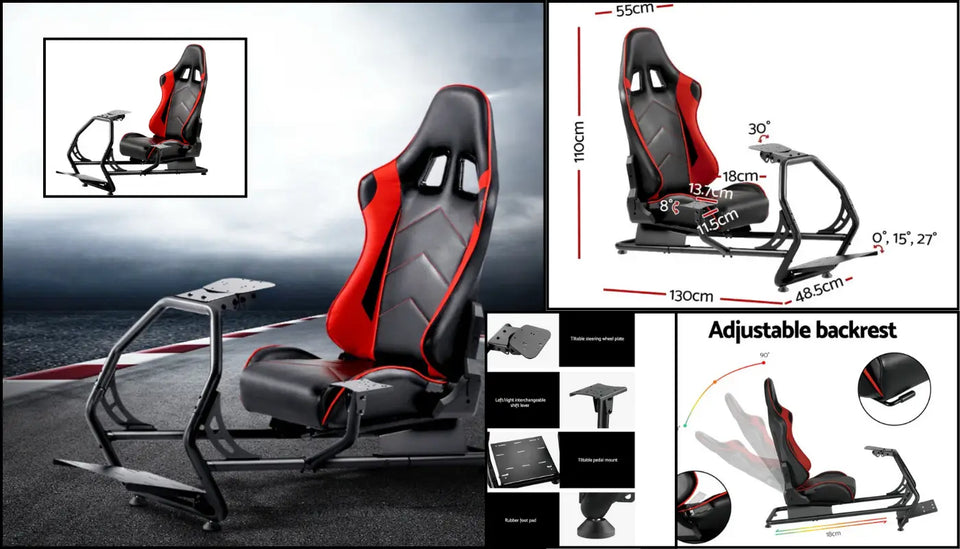
Check the exact mounting arrangement
Identify the wheel-base and pedal-set model numbers. Compare their mounting patterns, dimensions and requirements with the cockpit's listed compatibility and supplied fittings. A brand name such as Logitech, Thrustmaster or Fanatec covers different products; do not assume every model or bolt pattern fits.
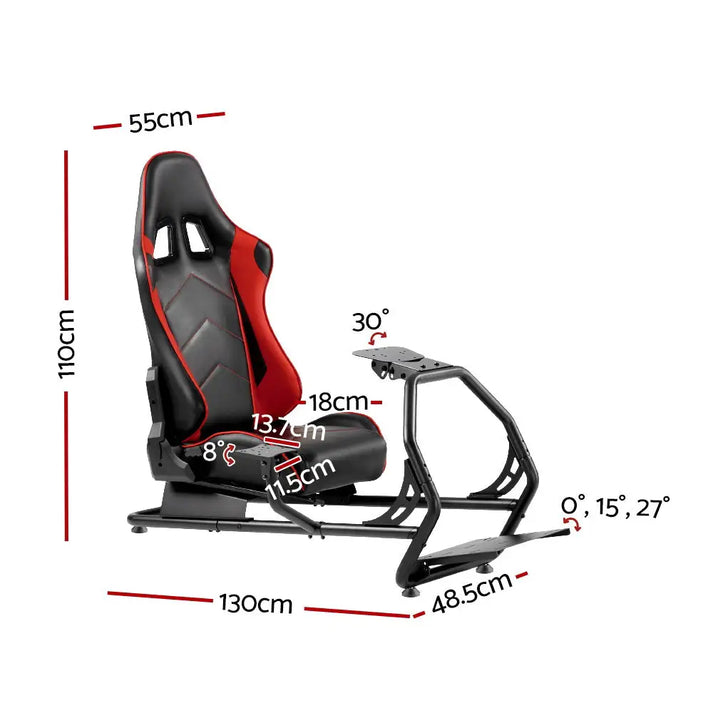
Plan the user and room layout
Compare seat adjustment, wheel reach and pedal position with the intended user. Measure the entire frame plus space to get in and out, including any monitor stand or gear-shifter support. Follow the permitted load and equipment limits rather than treating a compact photograph as proof it fits most bedrooms.
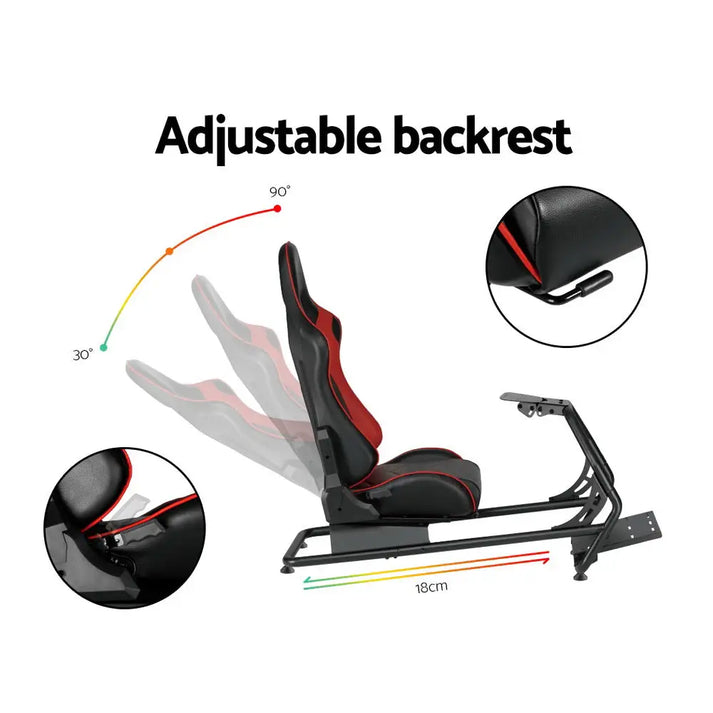
Assemble the complete system
Use the cockpit and equipment instructions, including any limits relevant to force-feedback equipment. Check whether the wheel, pedals, display, shifter and mounts are included or sold separately. Leave cables enough controlled movement and keep access clear. A stable support arrangement can reduce unwanted movement, but it does not guarantee faster lap times, perfect posture or freedom from discomfort.